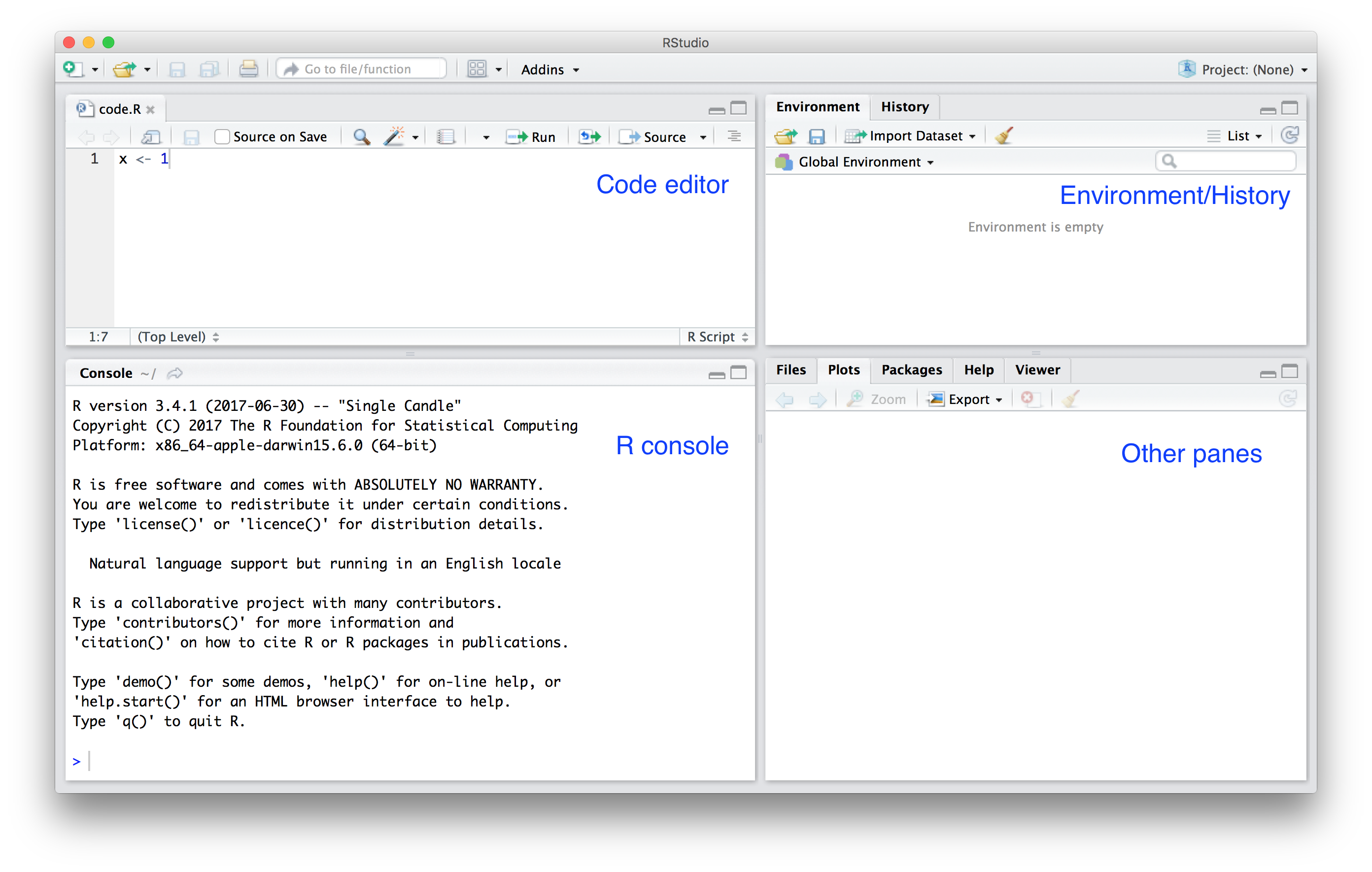
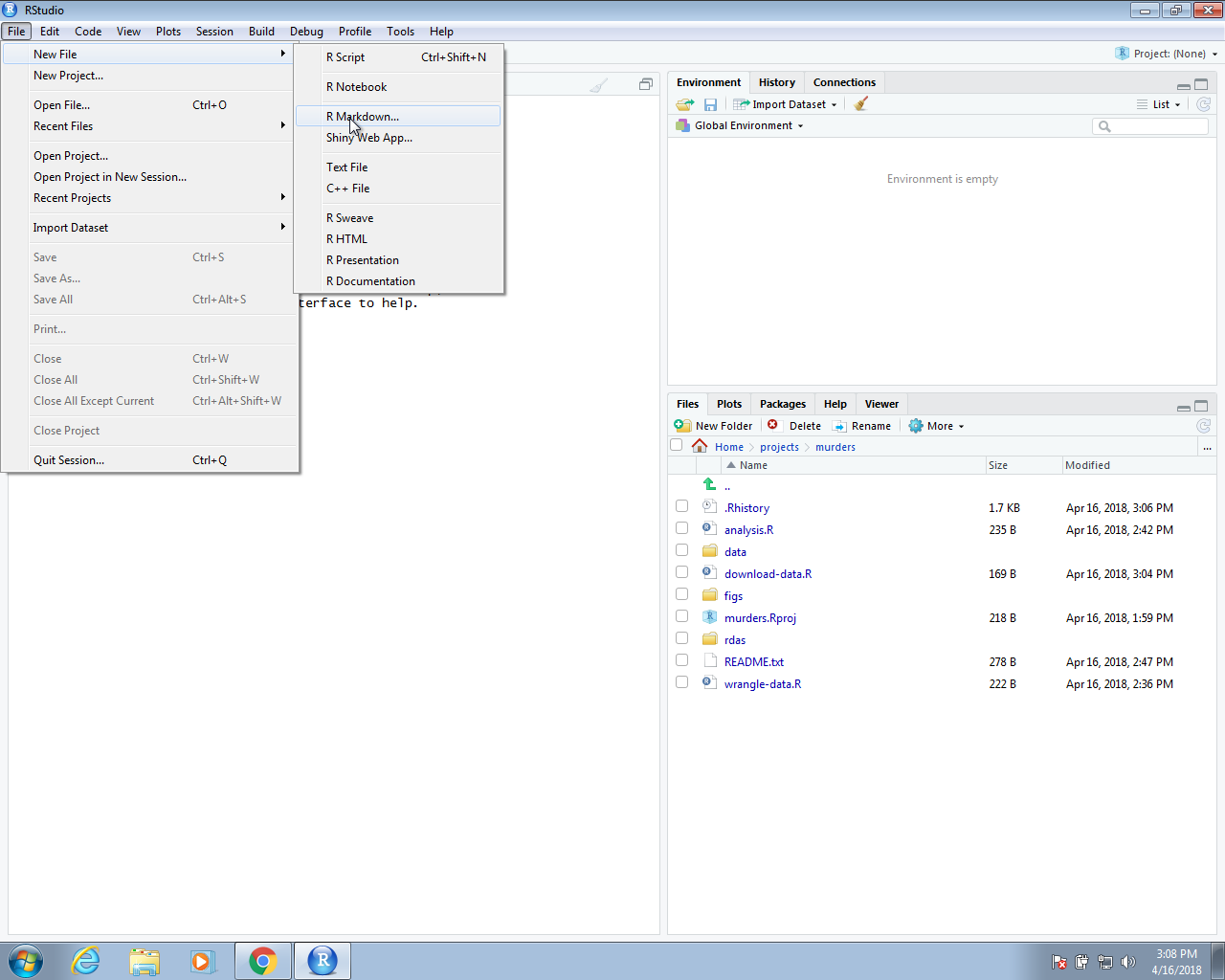
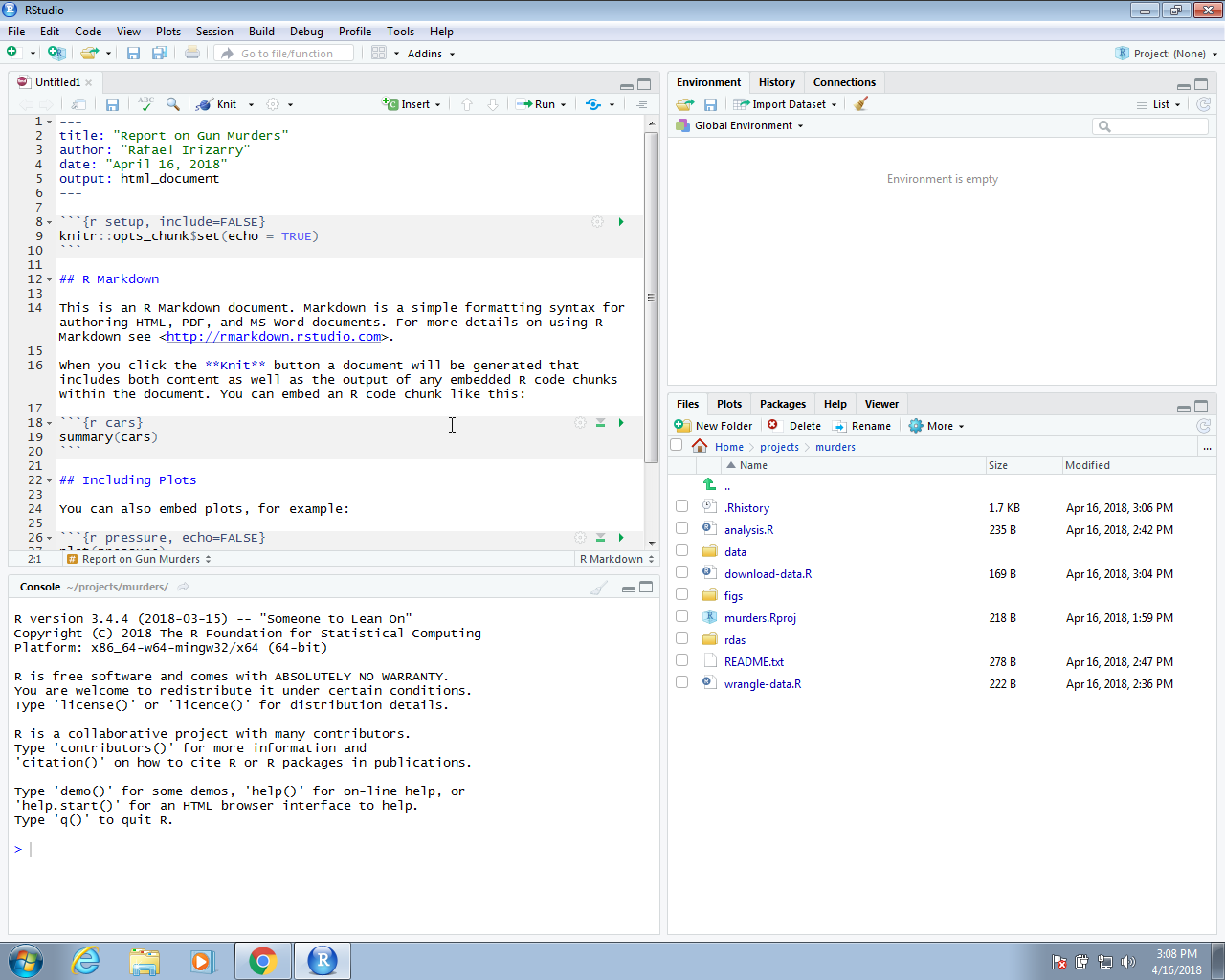
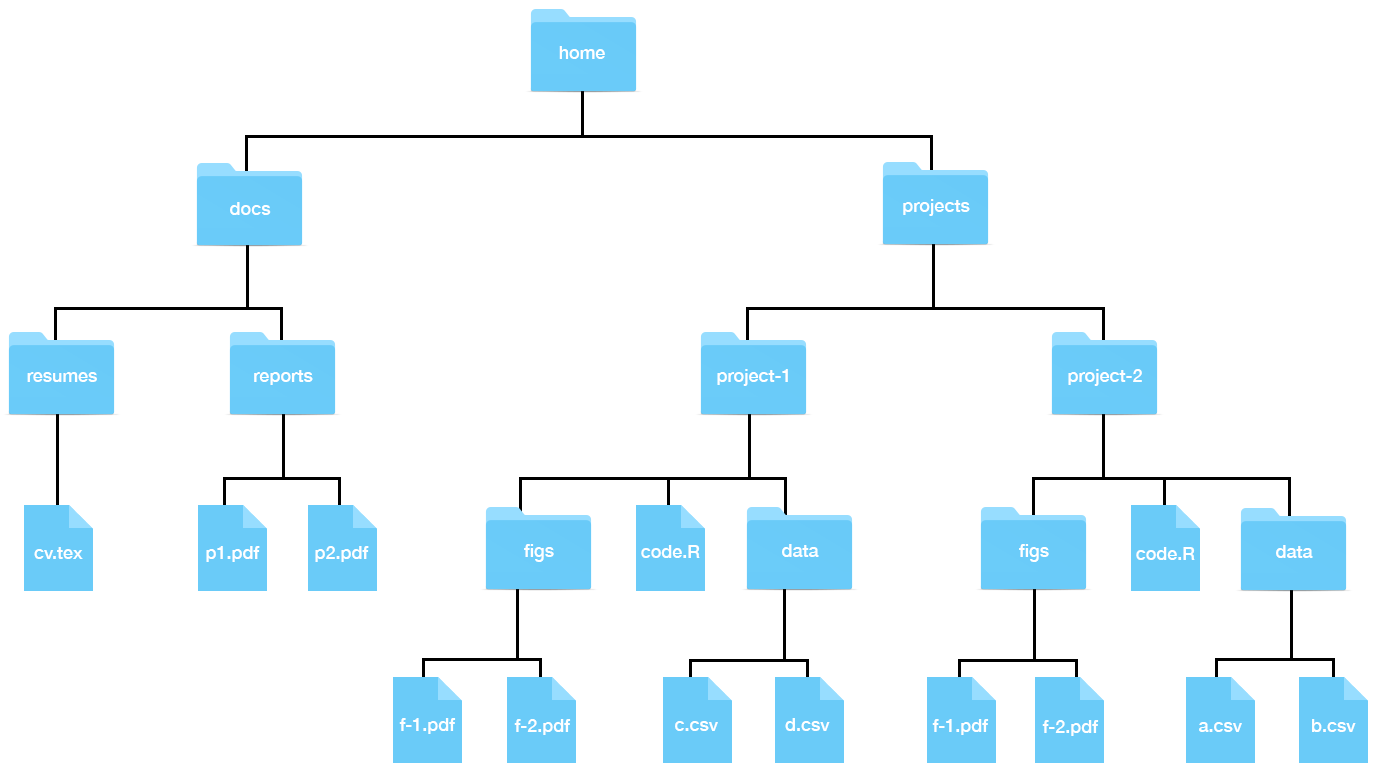
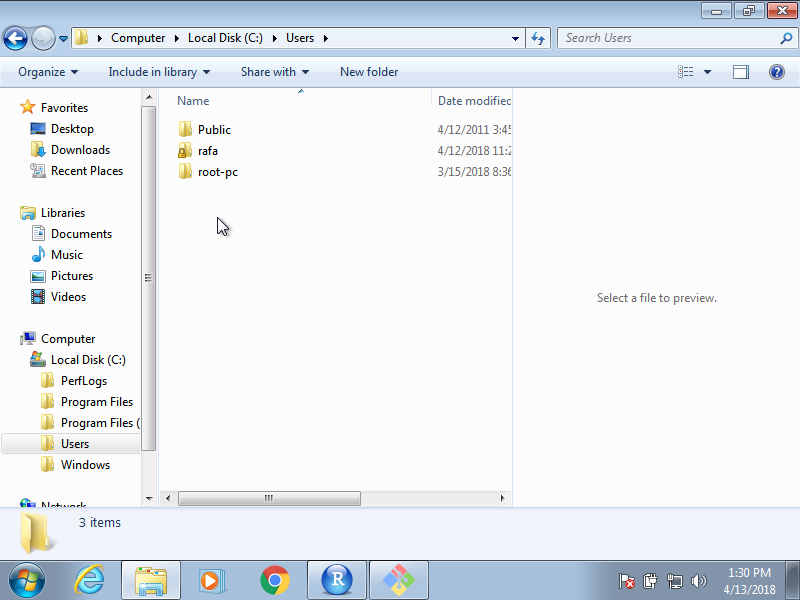
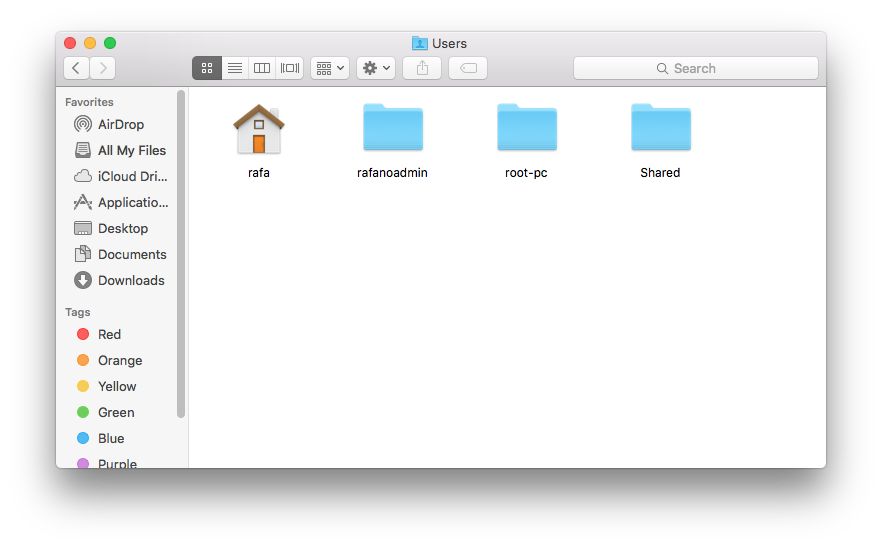
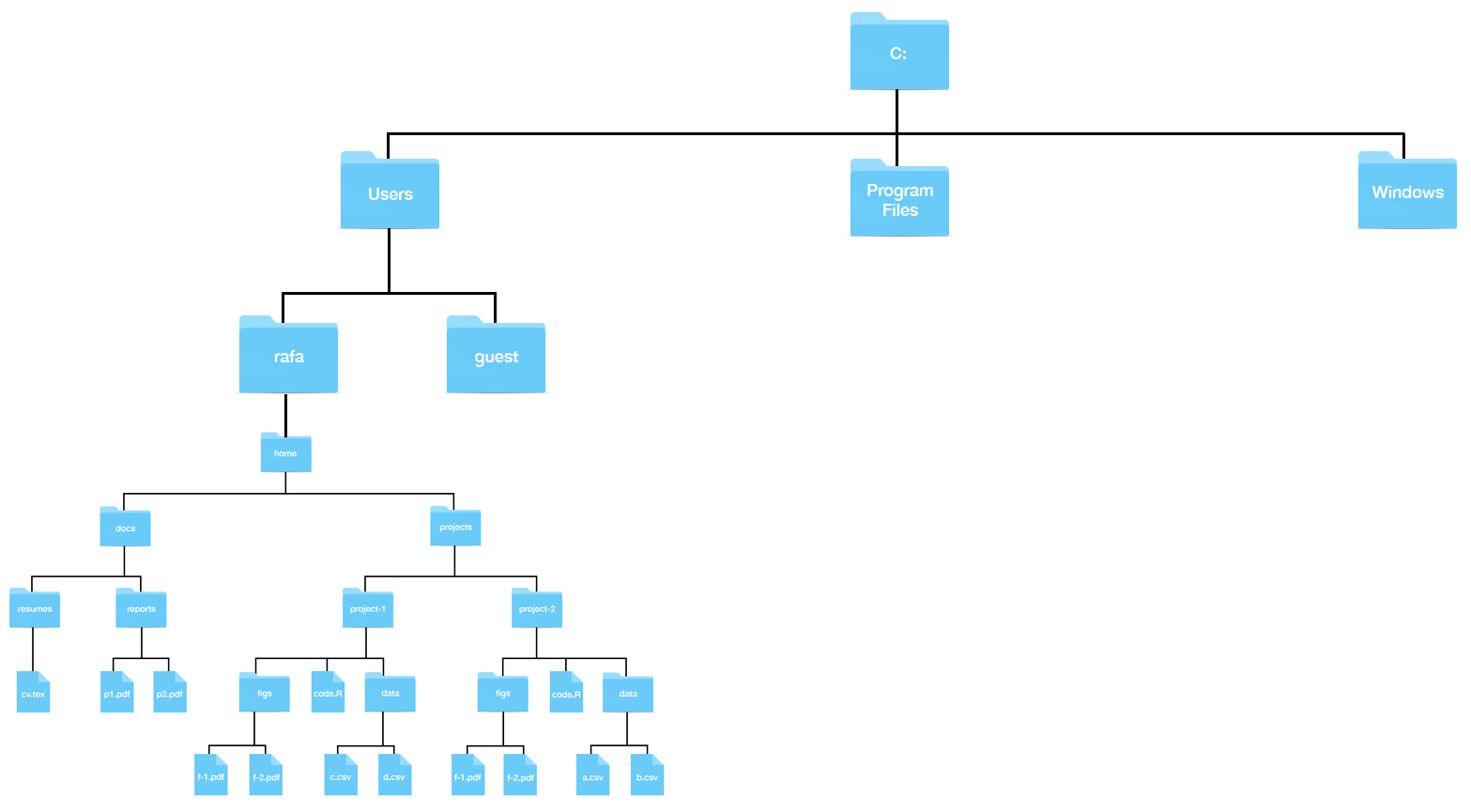
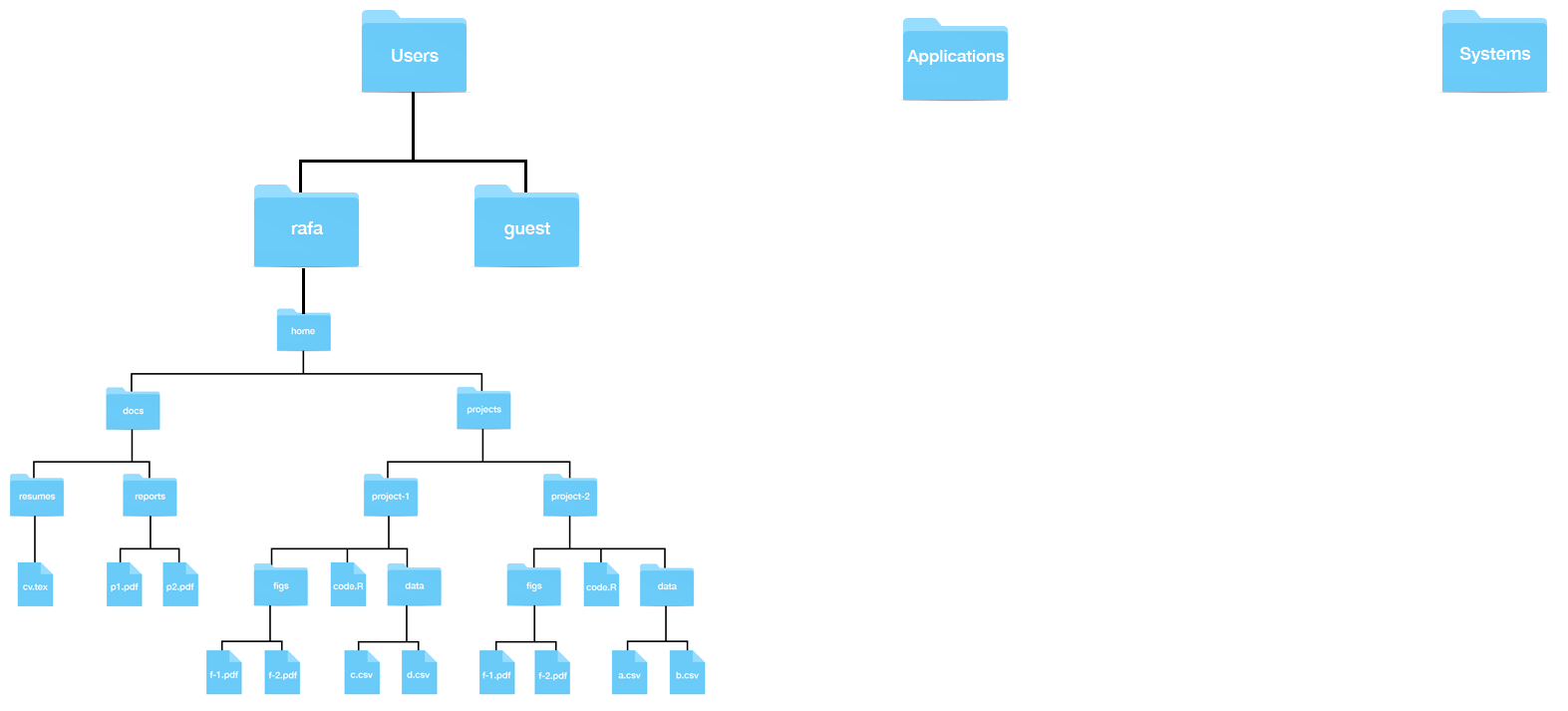
We call these directories and subdirectories:
3/13/2019
We call these directories and subdirectories:
getwd()
## [1] "/Users/ririzarr/myDocuments/teaching/data-science/ds4stats/lectures"
list.files(".")
## [1] "00-getting-started.Rmd"
## [2] "01-intro-to-tidyverse.Rmd"
## [3] "03-dataviz-principles.Rmd"
## [4] "04-ggplot2.Rmd"
## [5] "05-wrangling.Rmd"
## [6] "06-intro-to-machine-learning_cache"
## [7] "06-intro-to-machine-learning.Rmd"
## [8] "img"
path <- getwd()
list.files(path)
## [1] "00-getting-started.Rmd"
## [2] "01-intro-to-tidyverse.Rmd"
## [3] "03-dataviz-principles.Rmd"
## [4] "04-ggplot2.Rmd"
## [5] "05-wrangling.Rmd"
## [6] "06-intro-to-machine-learning_cache"
## [7] "06-intro-to-machine-learning.Rmd"
## [8] "img"
knitr::include_graphics("https://rafalab.github.io/dsbook/R/img/rstudio.png")